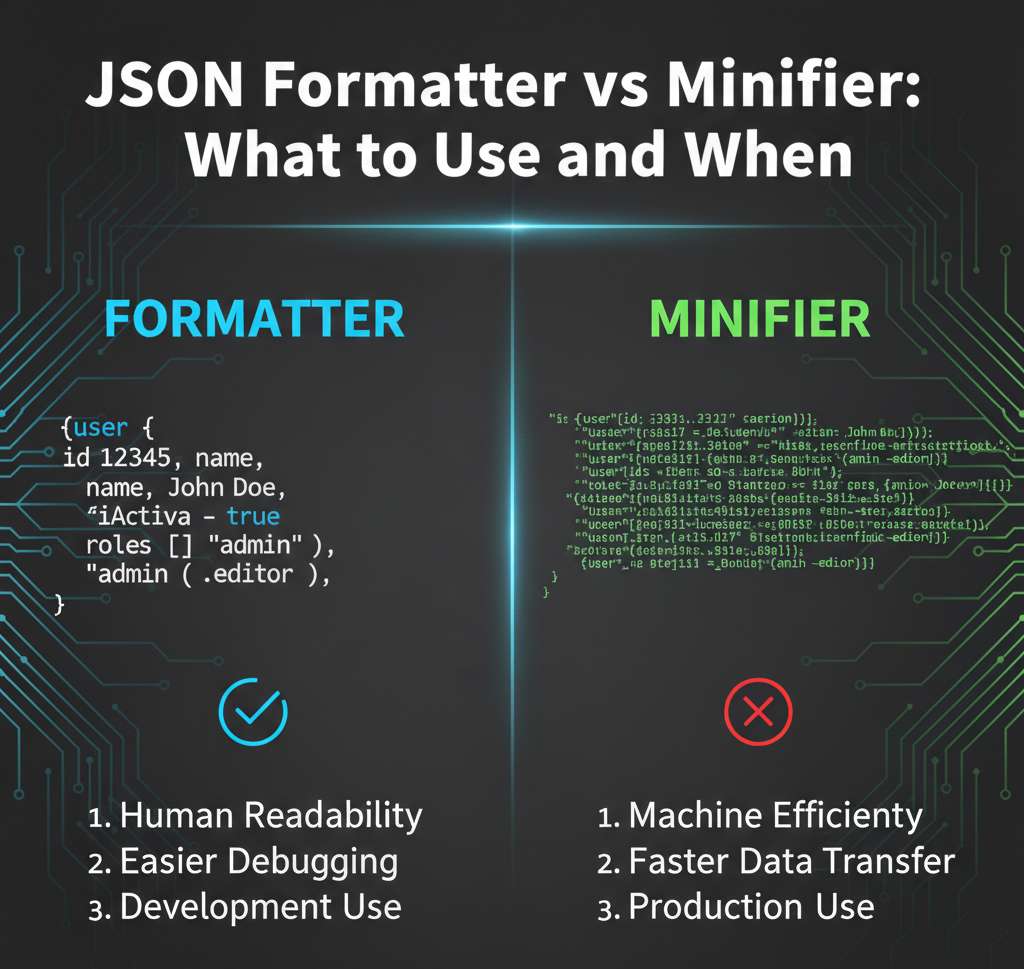
JSON Formatter vs Minifier: What to Use and When

The first time it really hit me was during a late-night bug fix.
The API was working, but my app kept crashing on a user’s request. Same endpoint. Same logic. The only difference? Their payload had one missing comma.
I ran it through an online JSON validator, fixed it, and shipped it.
Next morning another bug. Different payload. Same root cause.
That’s when I realized I was using JSON tools blindly, without actually understanding what each one was meant to do.
Why does my JSON look fine but still break things?
Most beginners hit this wall early.
You paste JSON somewhere. It looks readable. But the server rejects it. Or worse; it accepts it and silently messes things up.
This usually comes down to confusing three different things:
- formatting JSON so humans can read it
- minifying JSON so machines can move it faster
- validating JSON so nothing explodes later
They sound related. They’re not doing the same job.
JSON Formatter: the tool you use when your eyes hurt
A JSON formatter is what you reach for when you’re staring at a single long line like this:
{"user":{"id":1,"name":"Alex","roles":["admin","editor"]}} From what I’ve seen, beginners often think “formatter” means “fixer.”
It doesn’t fix logic. It doesn’t fix structure.
It just adds spacing so your brain can follow the shape.
After formatting, the same JSON becomes:
{
  "user": {
    "id": 1,
    "name": "Alex",
    "roles": [
      "admin",
      "editor"
    ]
  }
}
Nothing changed for the computer.
Everything changed for the human.
Where I actually use formatters at work
- reading API responses during debugging
- reviewing logs where JSON is buried inside text
- explaining payloads to non-backend teammates
Biggest mistake I see: people format JSON and assume it’s valid.
A formatter can happily format broken JSON and say nothing.
JSON Minifier: great for production, terrible for debugging
Minifiers do the opposite.
They remove spaces, tabs, and line breaks.
That same JSON becomes:
{"user":{"id":1,"name":"Alex","roles":["admin","editor"]}}
Why bother?
Because size matters when data moves over the network. Smaller payloads usually mean:
- faster responses
- lower bandwidth usage
- fewer performance complaints
Here’s the part beginners learn the hard way:
minified JSON is painful to debug.
When something breaks, errors point to “character 243”, not “line 12.”
I’ve seen teams log minified JSON in production error logs. Debugging that at 2 AM is miserable.
My rule of thumb from experience:
- format JSON while developing and debugging
- minify JSON only when sending or storing it in production
“So when do I validate JSON?”
Validation is the safety check everyone skips, until it costs them time.
A JSON validator answers exactly one question:
Is this syntactically correct JSON?
- It checks things like:
- missing commas
- extra trailing commas (very common)
- mismatched brackets
- quotes around keys and strings
What it does not check:
- whether your API expects those fields
- whether values make sense
- whether the structure matches backend logic
That’s why validation alone doesn’t prevent bugs.
It just prevents dumb ones.
How I manually sanity-check JSON before using online tools
This saved me more time than any validator.
Before pasting JSON anywhere, I quickly scan for:
- every
{has a matching} - every
[has a matching] - keys and string values use double quotes
- no trailing commas after the last item
- numbers and booleans aren’t quoted unless intentional
You don’t need to be perfect.
You’re just catching obvious mistakes early.
Why bother?
- validators don’t explain errors in human terms
- pasting sensitive data into random tools can be risky at work
- manual checks build intuition and that intuition pays off later
A real-world failure I’ve seen more than once
A teammate copied a formatted JSON example from documentation and pasted it into a config file.
It had comments.
JSON does not support comments.
The formatter kept it readable.
The validator failed.
The app wouldn’t start.
Half a day lost.
This is where beginners get confused:
“Why does this look fine but not work?”
Because JSON is strict. Painfully strict.
JSON vs XML: this argument wastes more time than it should
I’ve worked with both. Anyone saying one is always better is oversimplifying.
JSON feels easier because:
- less typing
- cleaner syntax
- maps naturally to objects in most languages
That’s why it dominates APIs.
XML sticks around because:
- it handles attributes and mixed content better
- it works well for complex document structures
- it has strong schema and validation systems
Where I still see XML in real work
- legacy enterprise systems
- configuration-heavy platforms
- document-based data (reports, forms, contracts)
Where JSON wins almost every time
- REST APIs
- mobile and web apps
- service-to-service data exchange
The mistake beginners make is thinking JSON replaced XML everywhere.
It didn’t. It just became the default for different problems.
The biggest mistake beginners make with JSON tools
Relying on tools without understanding the format.
I see this pattern constantly:
- paste JSON into formatter
- paste output into validator
- paste result into code
- hope it works
When it fails, there’s no mental model to debug it.
The real cost isn’t just bugs.
It’s anxiety everything looks “correct,” but nothing works.
Understanding why JSON breaks is what reduces that stress.
How long this actually takes to click
From what I’ve seen:
- a few weeks to stop basic syntax mistakes
- a few months to read JSON structures fluently
- longer to design clean, predictable schemas
That’s normal. If it feels slow, it probably isn’t.
Practical takeaways I wish someone told me earlier
Things to check mentally before trusting JSON:
- does the structure match what the receiver expects?
- are optional fields actually optional?
- are numbers sent as numbers, not strings?
Practical considerations at work:
- don’t paste sensitive JSON into random online tools
- log formatted JSON during debugging, not minified
- expect APIs to be stricter than examples
What to be careful about:
- trailing commas
- comments copied from docs
- assuming validators catch logical mistakes
What usually matters more than people think:
- consistency of structure across requests
- readability during debugging
- understanding the format, not the tool
There’s no magic formatter, minifier, or validator that replaces understanding.
Once you stop treating JSON as “just text” and start seeing it as a strict data contract, most of these problems quietly disappear.