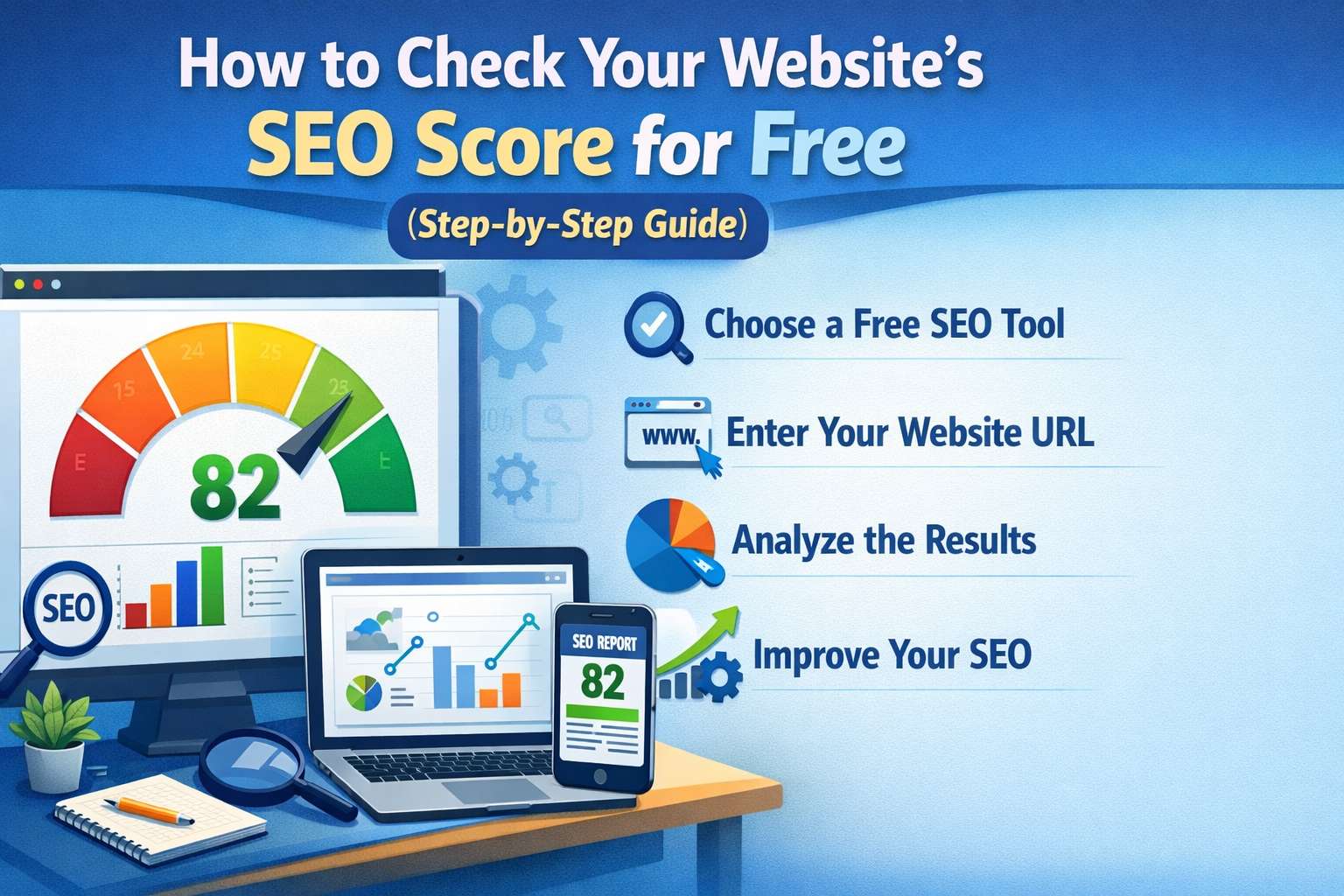
How to Check Your Website’s SEO Score for Free (Step-by-Step Guide)

I ran a free SEO audit almost by accident — someone in a marketing group posted a tool link — and I found out my site had 47 broken internal links, no meta descriptions on half the pages, and load speeds that would embarrass a 2008 blog. Traffic wasn't slow because it was early. It was slow because Google had basically no reason to trust the site.
That's the thing about SEO scores. They don't tell you you're failing. They show you exactly where you failed, and for how long, usually while you were busy doing other things.
What an "SEO score" even means
Most tools give you a number between 0 and 100. It feels like a grade, and that's kind of intentional — it gets you to care about it. But treat it more like a rough health summary than a precise ranking. A score of 72 doesn't mean you rank better than a site with a 68. It means your technical setup has fewer obvious problems.
The score is usually a weighted average across a few categories: technical health (broken links, crawl errors, page speed), on-page elements (titles, meta descriptions, heading structure), mobile usability, and sometimes backlinks depending on the tool.
Different tools weigh these differently, which is why the same site can score 61 on one tool and 84 on another. Neither is lying. They're just measuring different things.
Free tools that are actually worth using
There are dozens of free SEO checkers. Most are glorified lead-gen forms that show you five issues and then ask for a credit card. These are the ones worth your time:
Google Search Console — Free, straight from Google, and shows you how your site actually performs in search: clicks, impressions, indexing issues. No score, but this is real data. If you only use one tool, use this one.
Ubersuggest (free tier) — Gives you a site audit with an overall score broken into on-page, speed, and technical issues. The free tier limits how many pages it scans, but it's enough to get a clear picture for most small sites.
Screaming Frog (free, up to 500 URLs) — Not beginner-friendly, but it crawls your site the way Google does. Surfaces broken links, redirect chains, duplicate content, missing tags. The free version covers 500 URLs, which is enough for most small business sites.
Google PageSpeed Insights — Checks a single URL for loading performance and gives specific, fixable recommendations. Slow sites lose rankings and users both.
For most people starting out, running Ubersuggest for the overall picture and Google Search Console for traffic data covers 80% of what you actually need to know.
Reading the report without panicking
The first time you run a full audit, it'll probably look alarming. Hundreds of "errors," long lists of "warnings," recommendations that read like a technical manual. I've seen people close the tab and never go back. That's the worst possible response.
Most issues in these reports fall into two categories: things that actually affect your rankings, and things that are technically imperfect but basically irrelevant. The tools don't always make it obvious which is which, because flagging more issues makes the tool feel more powerful.
Here's a rough mental filter:
- Missing or duplicate title tags and meta descriptions — fix these. They affect how your pages appear in search results and whether people click.
- Broken internal links (404 errors) — fix these. They hurt user experience and waste Google's crawl budget.
- Pages not indexed by Google — investigate immediately. If a page isn't indexed, it doesn't exist in search.
- Slow page load times — worth addressing, especially on mobile. A page that takes 6+ seconds to load loses visitors before they read anything.
- "Low word count" warnings — mostly ignore this. A 300-word page that directly answers a question can outperform a bloated 2,000-word page that buries the answer.
The mistake I see constantly: people spend hours fixing warnings about image file names and heading hierarchy while ignoring that their most important pages aren't indexed at all. Always look at what's blocking traffic first, not what's easiest to fix.
What a good score actually looks like
Chasing 100/100 is a trap. It's genuinely possible to have a technically perfect site — every tag in place, no broken links, fast load times — that barely gets traffic because the content is weak and nobody's searching for what it covers.
Most established sites that rank well sit somewhere in the 65–80 range on most audit tools. They have some issues. The issues just aren't the ones that matter for rankings. Once you're above 60 with no critical errors, your time is almost always better spent on content or building links than obsessing over getting to 90.
The exception is new sites. If you're launching and your score is below 50, something is probably fundamentally broken — a robots.txt file accidentally blocking Google, a sitemap that wasn't submitted, pages marked no-index that shouldn't be. Those are worth fixing immediately.
How long this actually takes
Running the audit: 10–20 minutes depending on your site size and tool. Screaming Frog on a large site takes longer.
Understanding the report: expect an hour or two the first time. Not because it's complicated, but because you'll look things up and second-guess yourself. That's normal.
Fixing critical issues: depends entirely on what you find. Missing meta descriptions across 30 pages might take an afternoon. A broken redirect structure might take a few hours with a developer, or a few minutes with the right plugin.
Seeing results in Google: this is the frustrating part. Even after fixing real issues, you might not see ranking changes for 4–8 weeks. Google re-crawls sites on its own schedule. There's no reliable shortcut here.
What's actually worth your attention
Things to check first: whether your important pages are indexed in Search Console, broken internal links, page speed on mobile, and title tags on your highest-traffic pages.
What to be careful about: treating every audit warning as equally urgent (most aren't), running one audit and never checking again, and over-relying on a single tool's score as the measure of your SEO health.
What you can probably deprioritize: getting your score above 80 before focusing on content quality, minor on-page tweaks on pages that already rank well, and thin content warnings on pages that serve a clear, specific purpose even if they're short.
The audit is just the map. It tells you what's broken and where. What you do after — and in what order — is what actually moves the needle.