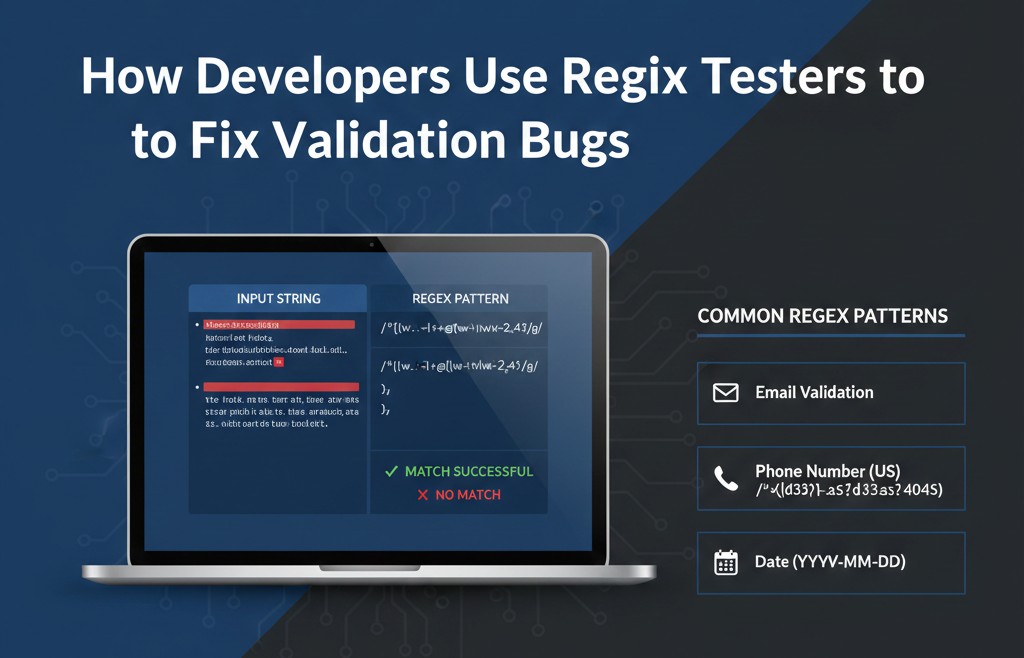
How Developers Use Regex Testers to Fix Validation Bugs, some common patterns of regex.

The bug report came in at 11:40 pm.
“Valid emails getting rejected. Signup drop after today’s deploy.”
I already knew where to look. A regex I wrote too fast, trusted too much, and never really tested against real input.
I didn’t open the code first. I opened a regex tester.
Why regex bugs feel so stupid (and still happen)
Regex bugs are embarrassing because they look tiny. One character wrong. One anchor misplaced. But the damage is never tiny.
I’ve seen regex mistakes cause:
users locked out of signups
phone numbers silently rejected in one country
passwords that look accepted but fail later
backend validation not matching frontend rules
The worst part? Your unit tests often pass. Because you tested happy paths, not real input.
This is exactly why regex testers exist — and why I stopped treating them as optional.
What a regex tester actually saves you from
When I started using tools like regex101 or RegExr seriously, one thing became obvious:
Regex doesn’t fail logically.
It fails contextually.
In code, you see:
^[a-zA-Z0-9._%+-]+@[a-zA-Z0-9.-]+\.[a-zA-Z]{2,}$
Looks fine. Everyone online uses something like it.
In a tester, you paste 30 real emails and suddenly see:
john..doe@gmail.com → passes (should it?)
राम@company.in → fails (maybe that matters)
user@mail.co.uk → depends on your pattern
trailing spaces → break everything
Seeing matches and non-matches highlighted instantly is what code editors don’t give you.
The mistake most developers make (I did too)
The biggest mistake is writing regex before understanding the data.
People ask:
“What’s the correct regex for email / phone / password?”
Wrong question.
The real question is:
“What input am I actually willing to accept?”
When I finally started dumping real production values into a tester, patterns changed completely.
Example: phone numbers.
I once wrote a strict regex assuming:
exactly 10 digits
no spaces
no country code
Reality:
users paste numbers with spaces
some add +91
some copy from contacts with dashes
The regex wasn’t “wrong”.
It was just disconnected from reality.
Common regex patterns devs keep rewriting (and breaking)
You’ll see these over and over in projects. I still test them every time.
Email (basic, not perfect)
Used when you just want “looks like an email”, not RFC purity.
^[^\s@]+@[^\s@]+\.[^\s@]+$
It’s boring. It’s forgiving. It saves support tickets.
Phone number (flexible)
When strict validation causes more harm than good.
^\+?[0-9\s\-]{7,15}$
Notice what it doesn’t do:
It doesn’t try to be smart about countries.
Strong-ish password (frontend hint, not security)
^(?=.*[A-Z])(?=.*[a-z])(?=.*\d).{8,}$
I always remind juniors:
This is UX guidance, not real security. Backend still decides.
Username (the silent troublemaker)
^[a-zA-Z0-9_]{3,20}$
Most bugs I’ve seen here were caused by:
forgetting underscores
allowing trailing spaces
mismatch between frontend and backend regex
Why regex testers beat “just trying it in code”
From what I’ve seen, regex testers help in ways code never will:
You see why something matched
You spot catastrophic backtracking early
You test 20 variations in one minute
You stop guessing
I’ve fixed bugs in 5 minutes in a tester that would’ve taken an hour with console logs.
Especially when dealing with lookaheads or groups, visual feedback matters more than syntax knowledge.
How long it actually takes to get comfortable with regex
People ask how long regex takes to “learn”.
Honestly?
basics: a few days
writing safe, readable patterns: a few weeks
trusting yourself in production: months
Regex testers compress that learning curve. They don’t make you smarter — they make mistakes louder and faster.
Things I check now before trusting a regex
Not steps. Just habits I wish I had earlier.
Does this accept real-world input, not ideal input?
What happens with spaces, copy-paste, mobile keyboards?
Is frontend regex stricter than backend (or vice versa)?
Will someone else understand this six months later?
Is being strict actually helping the user here?
What usually matters more than people think:
consistency across systems.
A “correct” regex that behaves differently in JS, backend, and database validation is still a bug.
Final thought
Regex isn’t hard because it’s complex.
It’s hard because we trust it too quickly.
A regex tester is where that trust gets challenged — before users do it for you.
If you’ve ever thought “this should work,” that’s your signal to paste it into a tester and prove it.